




16 Inch Laptop with Intel Core i5 1240P 2.5K IPS Display Windows 11 Notebook Portable Adreamer Laptop 16GB RAM 1TB ROM SSD
$372.99 $531.99Price range: $372.99 through $531.99
Fast FREE Shipping On All Orders!
- Satisfaction Guaranteed
- No Hassle Refunds
- Secure Payments


| Weight | 21 lbs |
|---|---|
| Dimensions | 5 in |
| Brand Name | ADREAMER |
| Adreamer Model | LeoBook 16S |
| Graphics Brand | Intel |
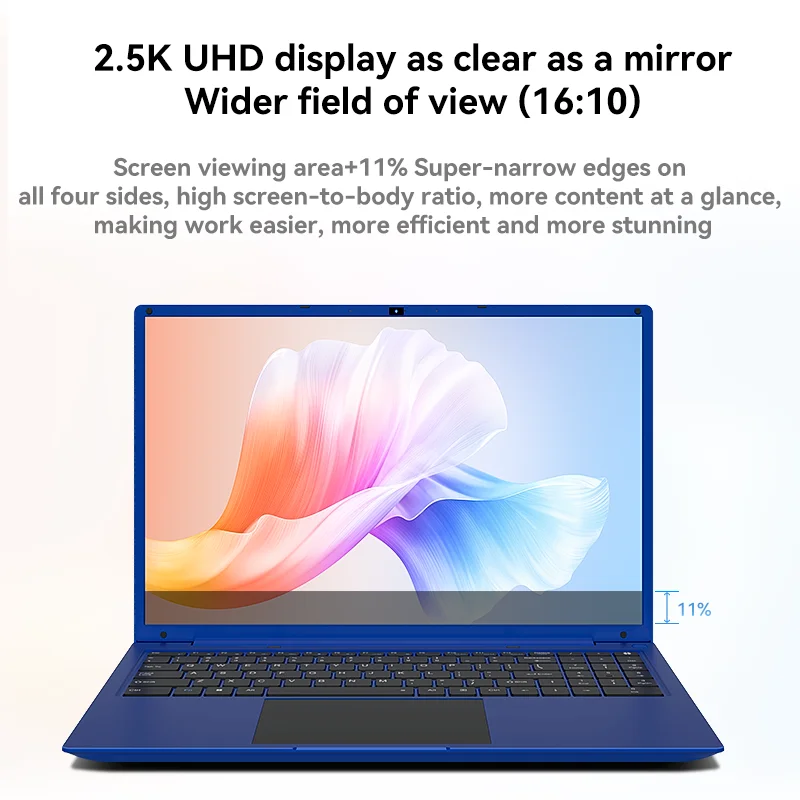
| Display Ratio | 16:10 |
| Max Turbo Frequency | 2.8GHz |
| High-concerned chemical | None |
| Base Frequency (GHz)4 | 1.2GHz |
| Type | Ultraslim |
| Dimensions (WxHxD) | 300*215*19.8 mm |
| Operating System | Windows 10 |
| Origin | Mainland China |
| Graphic Type | Integrated |
| Graphics Card Model | Intel UHD |
| Number of Cores | 2 |
| Memory Type | DDR4 |
| Keyboards | Numeric Keypad |
| Screen Refresh Rate | 60 Hz |
| Weight (Battery Included) | < 1.5 KG |
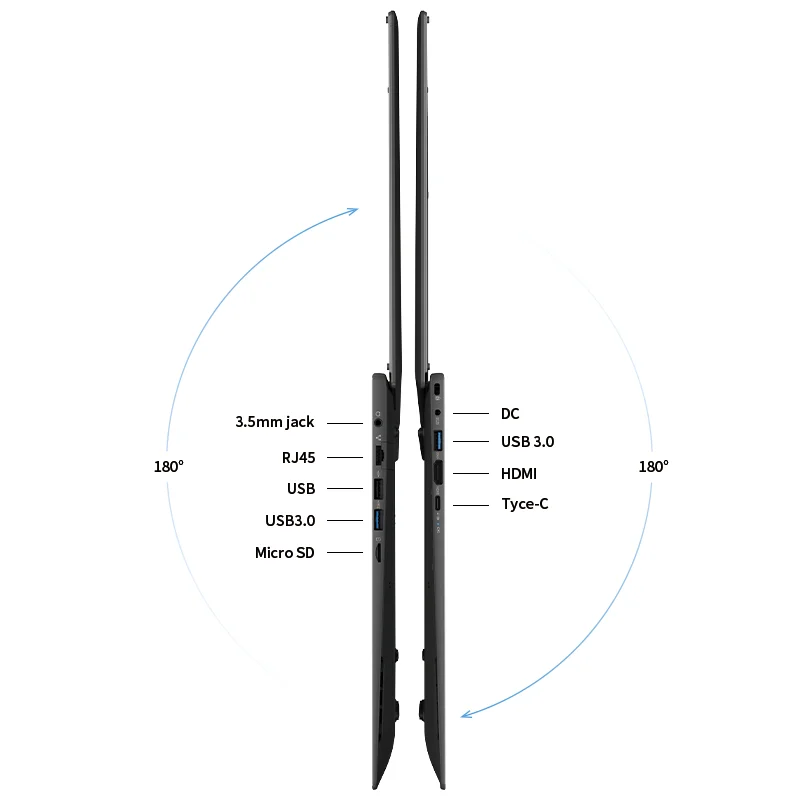
| Port | Mini HDMI-Compatible |
| Video Memory Capacity | Main memory allocated memory |
| Panel Type | IPS |
| Display Size | 16 |
| Body Material | Plastic |
| Thermal Design Power | 6W |
| Thickness | 15mm- 18mm |
| Feature | Camera |
| RAM | 6GB |
| Expandable storage | Yes |
| Average Battery Life(in hours) | 6-7Hours |
| Certification | FCC |
| Wireless Interfaces | Wi-Fi 6 (802.11ax) |
| Keyboard backlit type | No |
| Keyboard language | English |
| Hard Drive Interface | M.2 |
| Battery Capacity(mAh) | 4000aAh |
| Hard Drive Type | SSD |
| Screen surface | MATT |
| Network Communiction | WiFi |
| Hard Drive Capacity | 512GB |
| Display Resolution | 2560×1600 |
| Battery lifetime | up to 7 – 9 hour |
| Touch Screen | No |
| Package | Yes |
| CPU Brand/Model | Intel i5-12450H |
| WIFI | WIFI 802.11 b/g/n |
| Bluetooth | Bluetooth 4.0 |
11 reviews for 16 Inch Laptop with Intel Core i5 1240P 2.5K IPS Display Windows 11 Notebook Portable Adreamer Laptop 16GB RAM 1TB ROM SSD
Related products
-
Sale!


3D Printing Pen DIY Three-dimensional Painting Children Toys Fun Camouflage With LCD Screen Compatible PLA Filament Toys Gift
$13.99 $17.99Price range: $13.99 through $17.99Select options This product has multiple variants. The options may be chosen on the product page -
Sale!
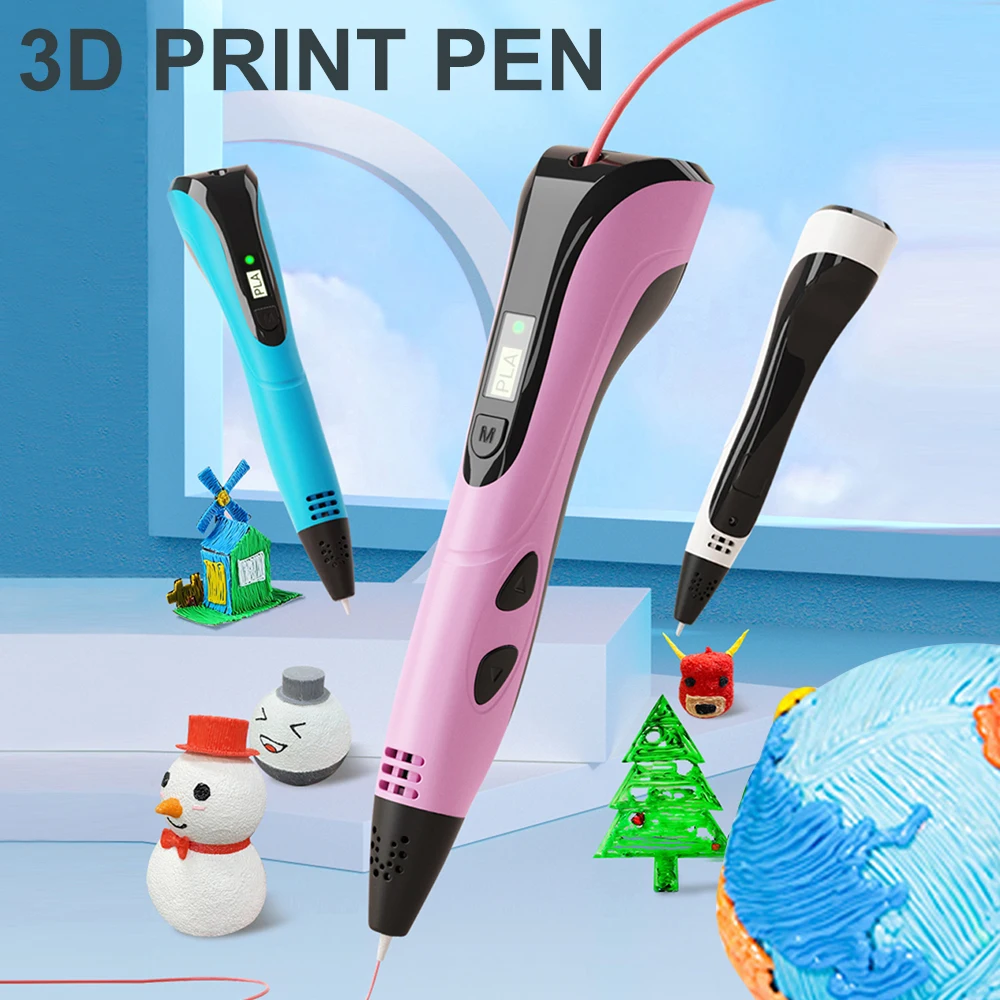
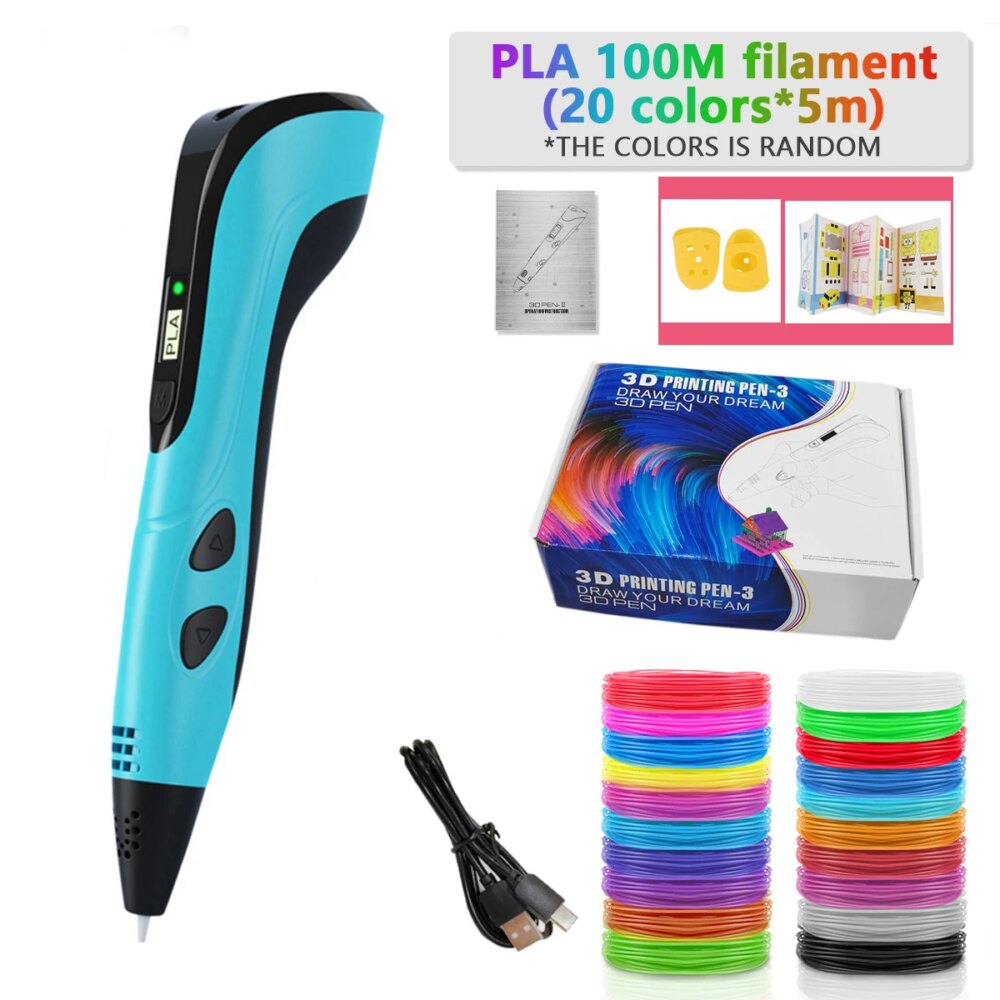
2022 NEW 3D Printing Pen 3d Pen Set for Kids Chidren Child’s Birthday Christmas Creative DIY Gift LCD Display with PLA Filament
$18.99Select options This product has multiple variants. The options may be chosen on the product page -
Sale!
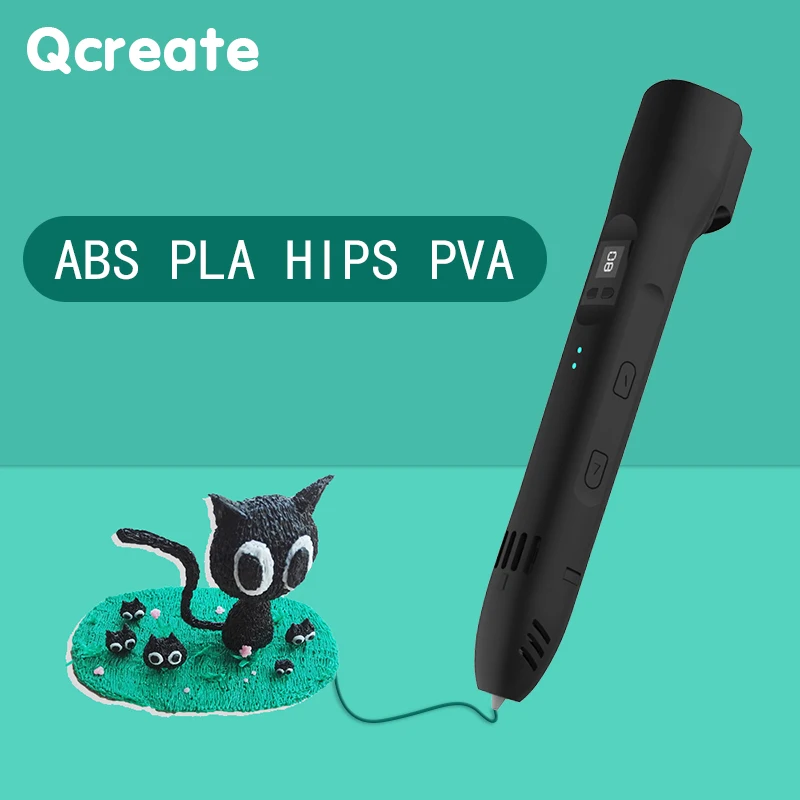

QCREATE 3D Pen Supports ABS PLA HIPS PVA 60-245 Degrees Celsius Range Temperature Adjustable LCD Display 8-Speed Regulation
Original price was: $95.99.$69.99Current price is: $69.99.Select options This product has multiple variants. The options may be chosen on the product page -
Sale!


Sovol Zero 3D Printer, 1200mm/s High Speed CoreXY 3D Printer with Teddy Scan and Pressure Sensing
$488.99 $508.99Price range: $488.99 through $508.99Select options This product has multiple variants. The options may be chosen on the product page
K***g –
The quality cannot be better at this price. The screen quality is excellent and the finish is better than expected.
C***n –
It is the best cost-effective laptop. I am truly satisfied. I can’t believe a laptop of this quality at this price. May you prosper 🙂
Customer –
I bought it for 68,000 won using a coupon cheaper than a Kangsun laptop. I just bought it out of curiosity, but it’s a fun product with no display issues and is good.
Customer –
Even for general web surfing it lags, but can it be customized for specific purposes or by someone who knows how to use computers well? If you use a similar program, it’s quite sufficient for web browsing. You should buy around 100 units; it will allow you to surf the web without any major inconvenience.
Customer –
Retina… done.
Customer –
This is a great and amazing product offered at very reasonable price that reflect the value of money for this product
Customer –
I received it yesterday and tried it out now; it’s faster than I expected and quite good. It seems like a very good choice for web surfing, watching videos, and document work.
재***안 –
I updated the SSD and installed Windows 10, but the LAN driver is disconnected and the sound driver is not recognized. We need a land driver and sound driver. Upon searching, it appears that there are many issues related to this matter.
H***g –
Unfortunately, the performance cannot be fully utilized because the RAM is 4GB and single-channel. It would have been nice if it had a dual-channel configuration. The display is 2560×1600, the picture quality is good, and the brightness is not bad. I just bought it out of curiosity.
Customer –
It’s a 16-inch office laptop with excellent cost performance. I was pleasantly surprised by the thoughtfulness of including Korean keyboard stickers. I hope you release good products again next time. I will use it well.
Customer –
During the sale period, after applying all the coupons, it became 53,000 won, so I impulsively made the purchase. If someone who can optimize it buys it, even if it’s slow, it’s still worth using. For example, you need to install Windows 10 LTSC version with an offline account, disable the memory compression function in Windows, turn off all unnecessary functions or settings, and perform various optimizations as necessary. Also, YouTube plays smoothly up to 1080p, but during initial loading it stutters and then becomes smooth once loading is complete. However, the built-in wireless LAN has poor performance, so you need to use a USB wireless LAN to be able to play YouTube videos in 1080p at 60 frames. The built-in LAN doesn’t seem to be compatible with our home router, causing frequent disconnections. Windows optimization requires changing various power-saving settings to prioritize performance, setting the built-in graphics to power-saving mode, and reducing multitasking. It’s recommended to use an offline account and the ltsc version of Windows. YouTube also has an extension program that removes the sidebar next to videos to reduce loading times. Anyway, with such thorough optimization, it becomes slightly lighter. If you don’t install Driver Express during Windows reinstallation, it will be extremely slow, so installing drivers is essential. When searching for drivers, you’ll find that someone has uploaded them on DC Inside. Considering the price of 53,000 won, it’s great that the high-quality LCD screen and decently finished keyboard make document work extremely comfortable and enjoyable. The trackpad has excellent sensitivity, and I really like how multi-touch gestures are accurately recognized without any misinterpretation. The downside of being slow is that the price of 53,000 won covers everything, and I am satisfied with this level. I think it would be very suitable for simple photo editing, document creation, and web surfing due to its good screen quality. I tried installing Windows 11, Windows 11 LTSC, Ubuntu, Windows 10 LTSC, and Windows 10 LTSC had the least lag. Anyway, thank you to the seller who provided the laptop at an affordable price. I will use it well.