
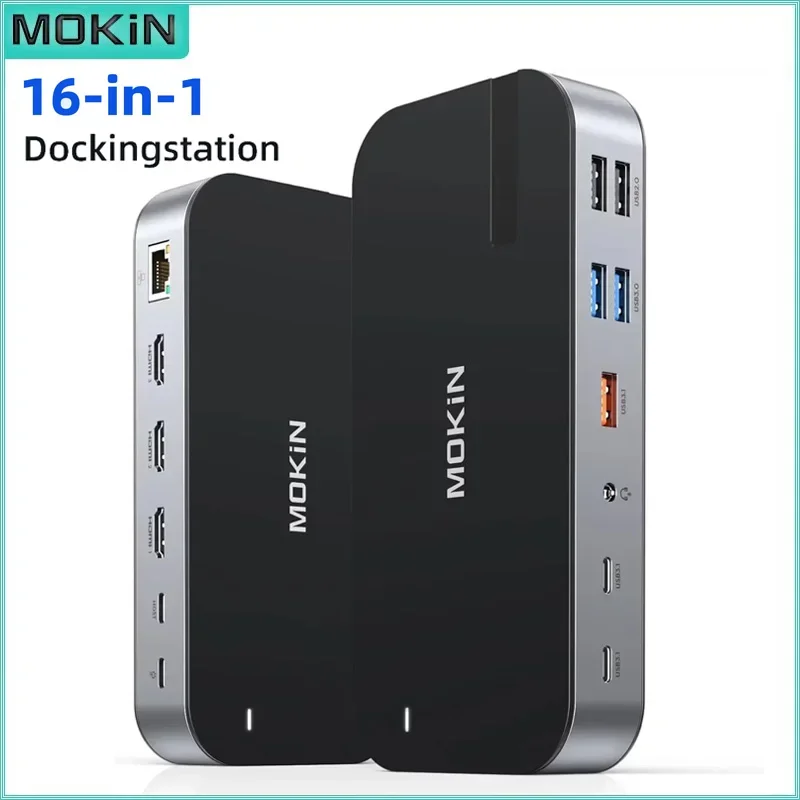



MOKiN 16 in 1 Docking Station USB C Hub 3 HDMI 10Gbps USB 3.1 RJ45 SD/TF Audio PD 100W For MacBook Air/Pro M1/M2 Laptop
Original price was: $285.99.$119.99Current price is: $119.99.
Fast FREE Shipping On All Orders!
- Satisfaction Guaranteed
- No Hassle Refunds
- Secure Payments


MOKiN USB C Docking Station HDMI 4K 60H,USB3.1,DP,Ethernet,SD&TF,Audio,100W PD Adapter for MacBook/Dell/HP/Lenovo usb to hub 10Gbps
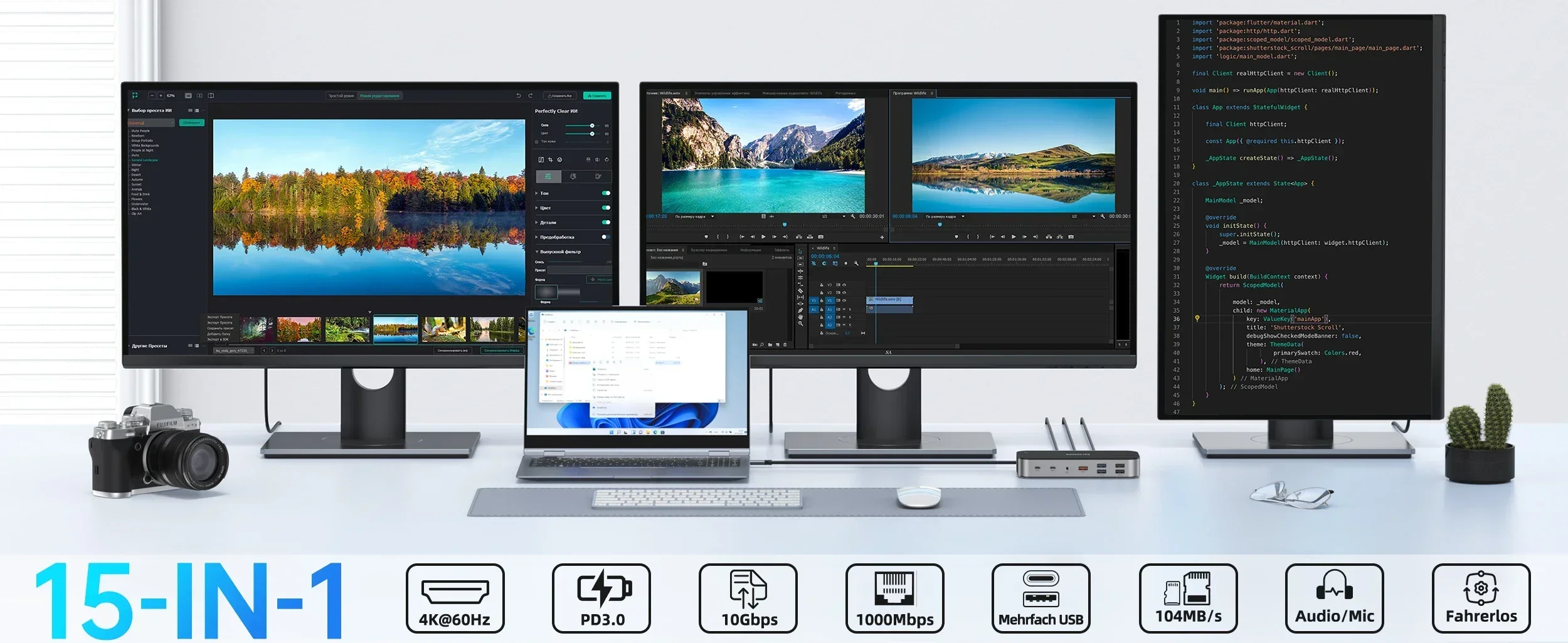
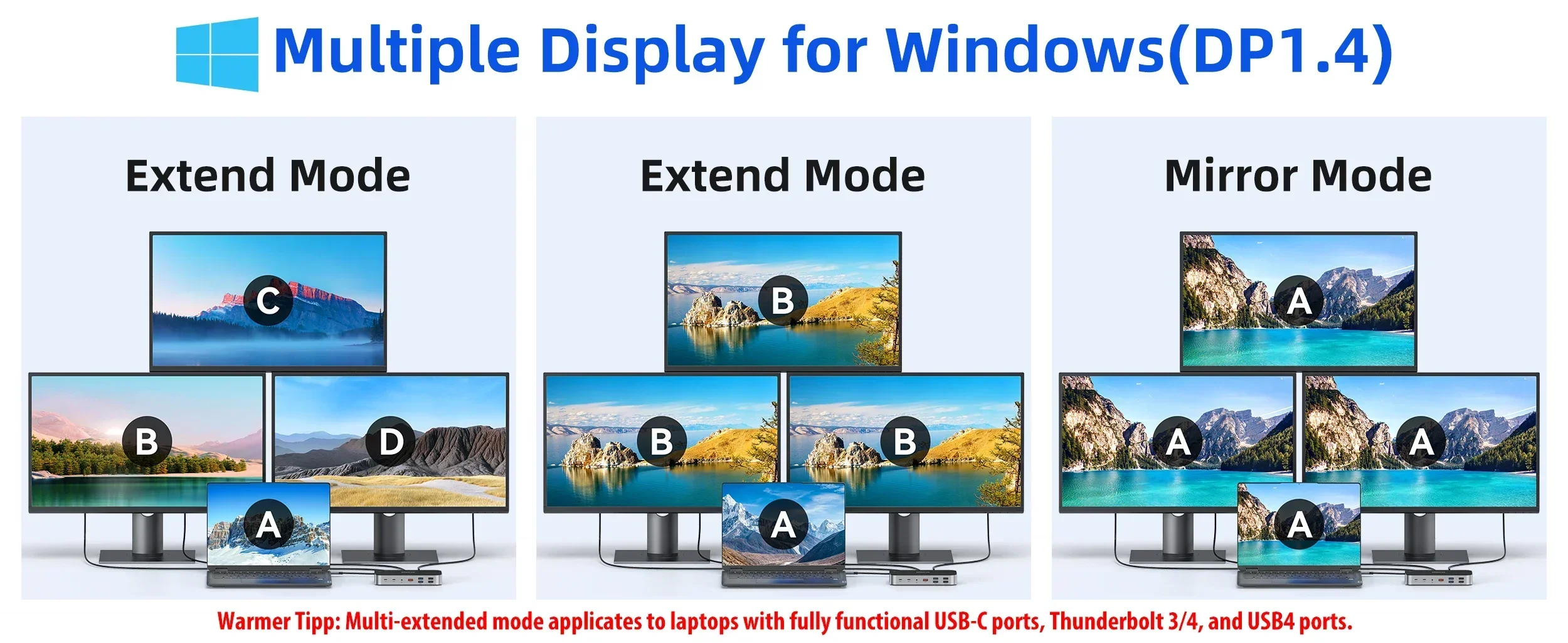
【High definition display】4K@60HZ

Windows:
Mirror mode:AA(2 display show)AAA(3 display show)AAAA(4 display show)
Extend mode:AB(2 display show)ABC(3 display show)ABCD(4 display show)
Mac OS:
Mirror mode:AA(2 display show)AAA(3 display show)AAAA(4 display show)
Extend mode:AB(2 display show)ABB(3 display show)ABB(4 display show) #Limited by Mac

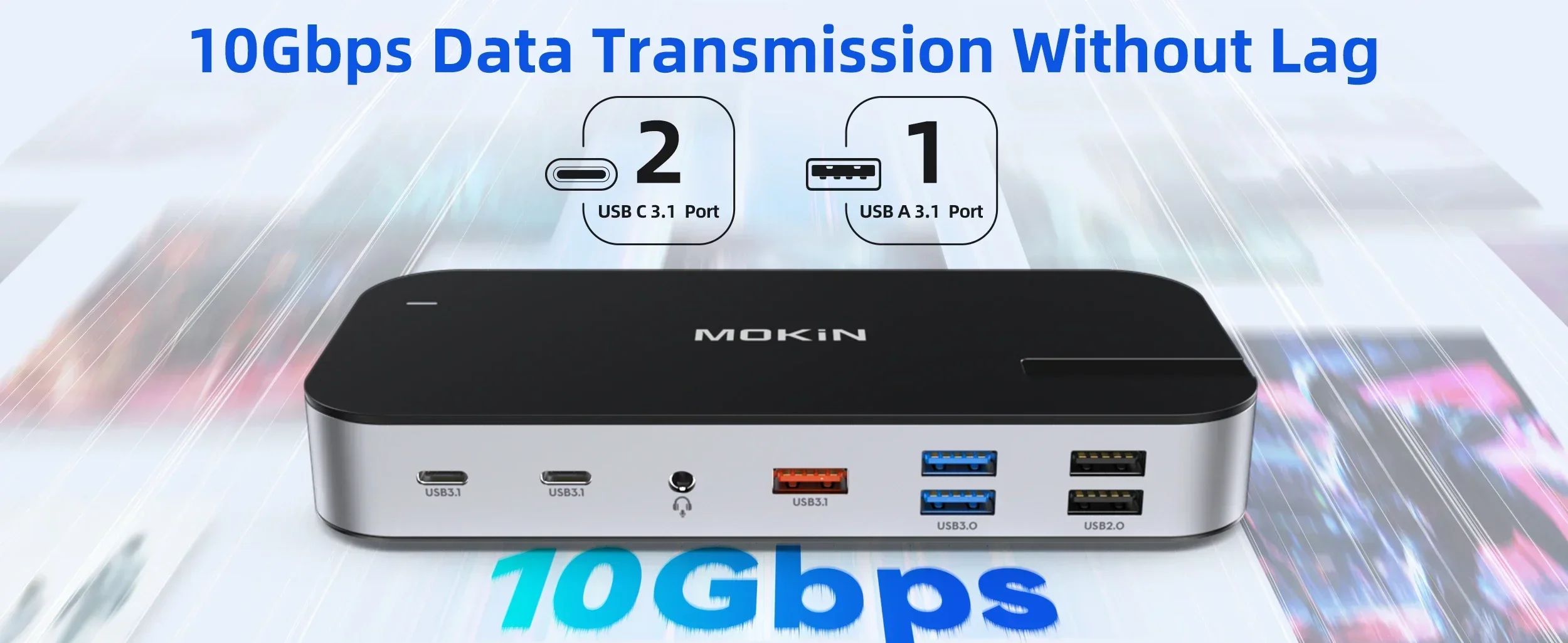
【Efficient Data Transfer】
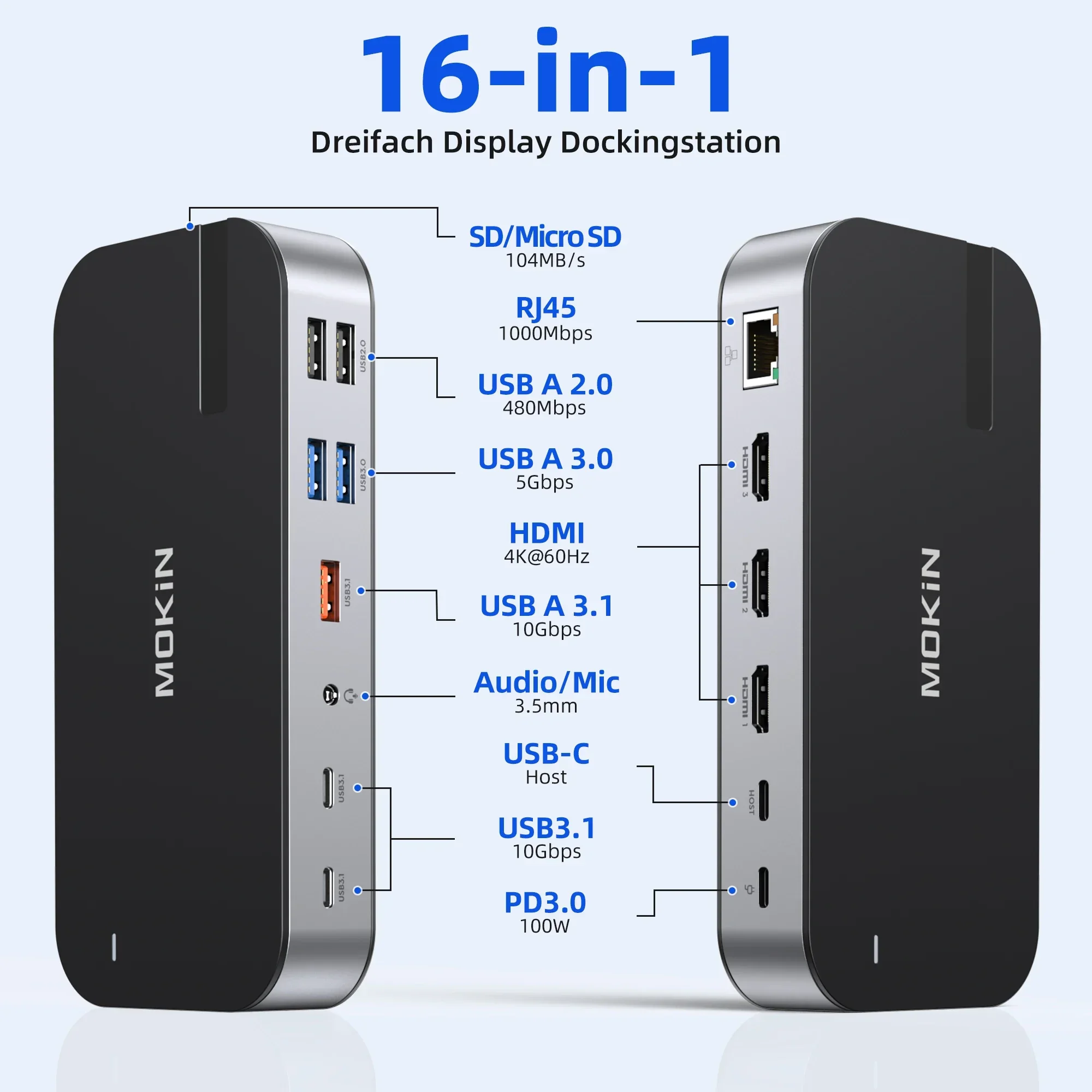
USB 3.1 ports (up to 10Gbp/s) connect smartphones, tablet, hard drives for effortless data transfer with USB-C port.
USB 2.0, speed up to 480mb/s, it allows you to connect keyboard or mouse without any lag.
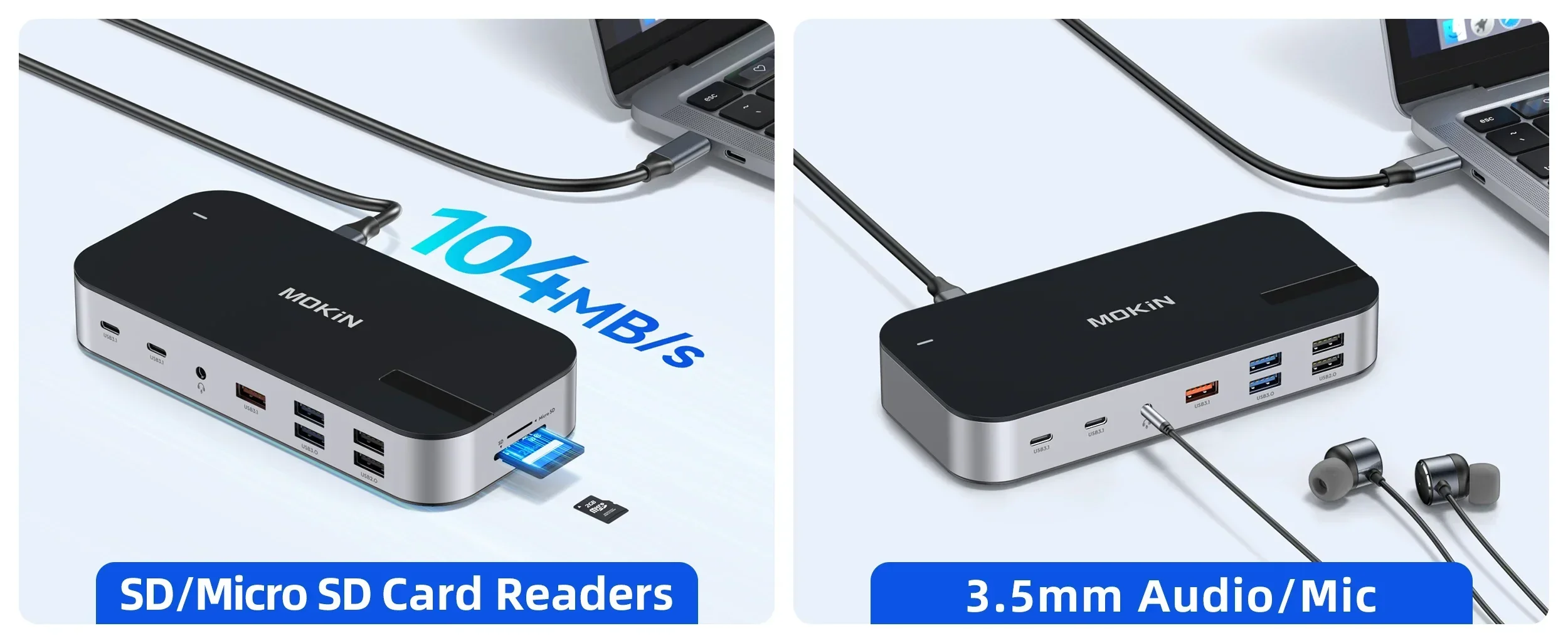
Speed up to 104Mb/s.The SD and TF Card can be read simultaneously.Works with SD,SDHC,SDXC ,Micro SD,MMC (SDXC :with high storage capacity up to 2TB)

We understand that there is currently a wide variety of notebooks available.Kindly checking and make sure that your device has one of Thunderbolt 3/4, full-function USB C port (supports Displayport/ DP Alt mode), USB 4.0.


FAQ
��Q1. Why the Resolution can’t achieve 4K@60HZ ?
��A:Makesure both your monitor and host laptop support 4K@60Hz video output, otherwise, and only using single HDMI will achieve 4K@60HZ.
��Q2.Sometimes WiFi stopped working while hard disk connected to hub, how to do?
��A:2.4Gnetwork is easily disturbed. You can switch to 5G network. Or you can adjust the placement of the hard disk, move to suitable place.
��Q3. If display stopped after connect high current hard disk, how to do?
��A: Must be charged. Please supply power by power adapter.
��Q4. What to do if the HDMI monitor is not recognized by your laptop
��A:1. Make sure your laptop’s USB C port supports DisplayPort/video output.
2. Check your HDMI cable and monitor. (Connect the monitor to the laptop directly, see if it works)
3. Provide sufficient power supply from the USB C hub.
��Q5. Why is the screen sometimes black?
��A:The reason why the screen is black is that the power consumption of the docking station is too high, so you need to charge the laptop through the charging port on the docking station, so you can solve the problem of black screen of the display.

Enjoy 7 days to return if any quality problems.
✔ 24 Hours Delivery Time
Most items will be shipped within 24 hours.
✔ 1 Year Warranty
All products have 1 year warranty from our store.
✔ 24 hours Online Service
All emails will be answered with in 24 hours.
| Weight | 5 lbs |
|---|---|
| Dimensions | 8 in |
| Brand Name | MOKiN |
| Funtion | HDMI-Compatible/Card Reader/RJ45 |
| High-concerned chemical | None |
| Origin | Mainland China |
| Interface Type | USB 3.0 |
| Package | Yes |
| Plug Type | None |
| Model Number | MOKiN 16 in 1 Docking Station |
| Standard | USB 3.1 |
| Certification | CE |
| Name | MOKiN Multifunctional display Docking Station |
| VAG | 1 X VGA 1080P 60Hz |
| HDMI | 1 x 4K@60Hz 1X 4K@30Hz |
| DP | 1 X DP 4K@60Hz |
| Gigabit Ethernet | RJ45 10/100/1000Mbps |
| SD/TF Card Reader | 104M/S |
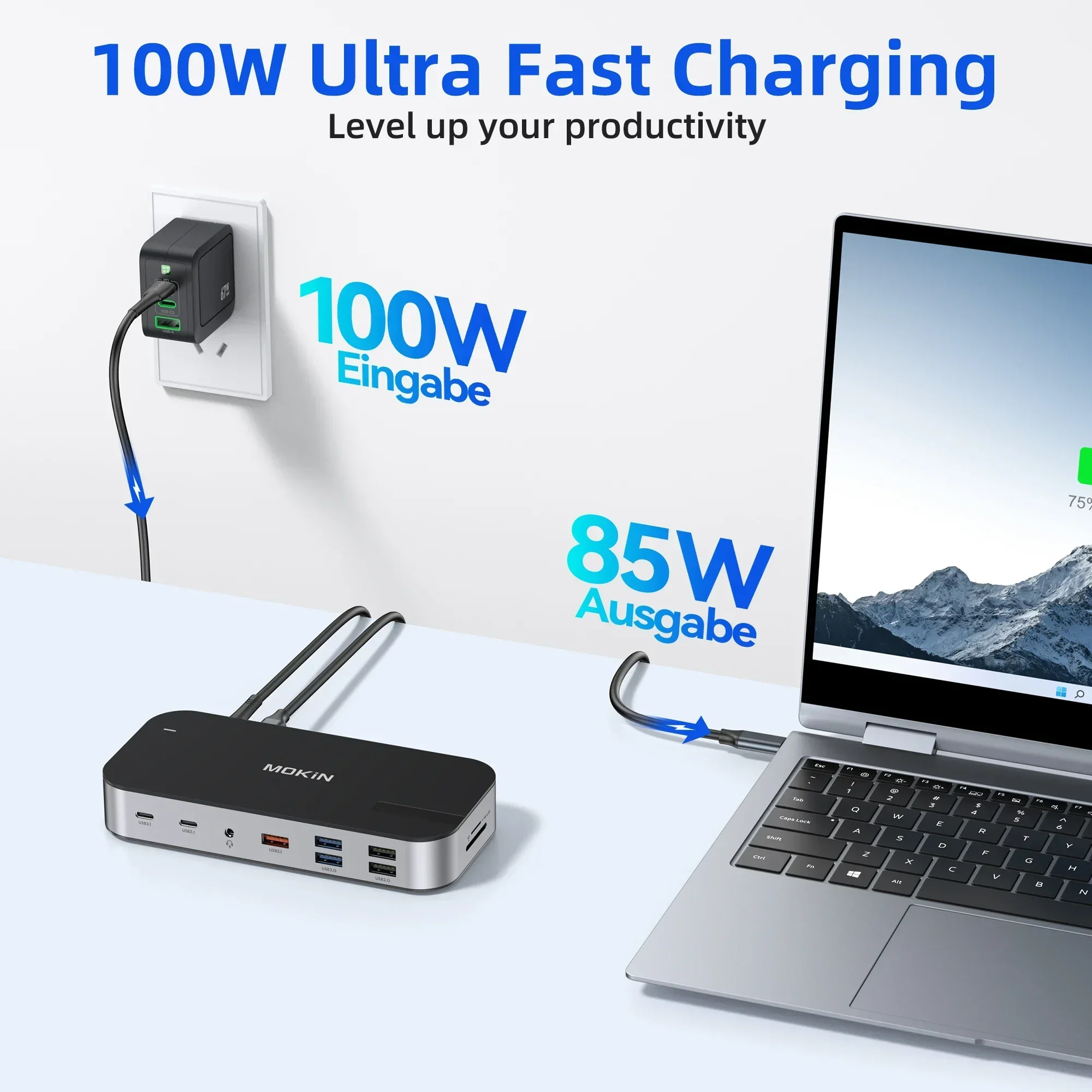
| USB-C PD3.0 | PD 100W |
| USB | USB-C[10Gbps] USB3.1[10Gbps] USB3.0[5Gbps] USB2.0[480Mbps] |
| port | 1 X 3.5mm mic/audio |
| Ports | 16 |
3 reviews for MOKiN 16 in 1 Docking Station USB C Hub 3 HDMI 10Gbps USB 3.1 RJ45 SD/TF Audio PD 100W For MacBook Air/Pro M1/M2 Laptop
Related products
-
Sale!


New In 3D Pen Low Temperature 1.75mm PCL Filament 3DS Printer Drawing DIY For Kids Toys Grils Boys Gifts
$11.99 $58.99Price range: $11.99 through $58.99Select options This product has multiple variants. The options may be chosen on the product page -
Sale!
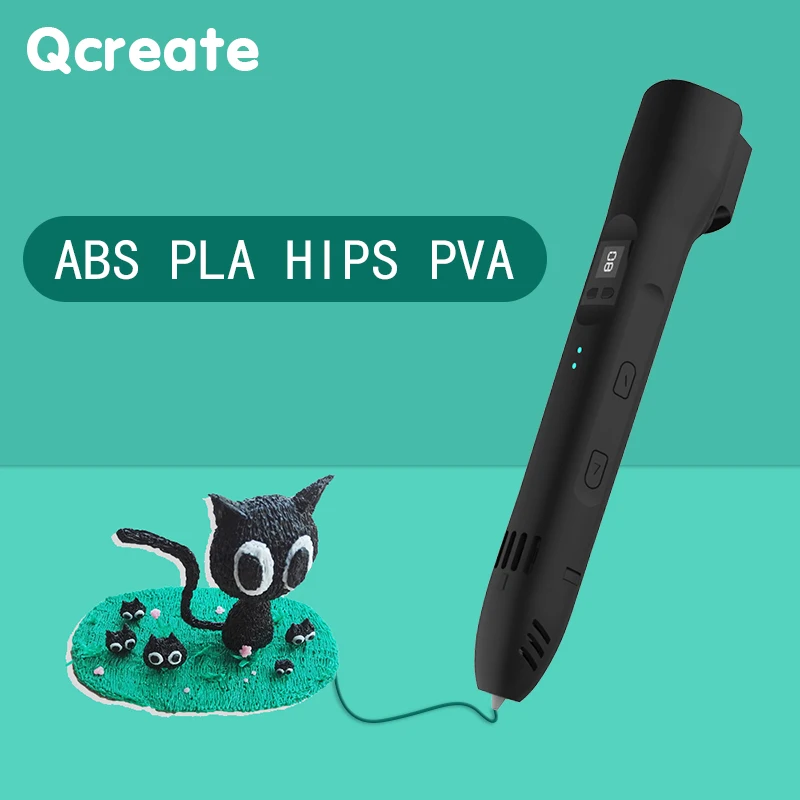

QCREATE 3D Pen Supports ABS PLA HIPS PVA 60-245 Degrees Celsius Range Temperature Adjustable LCD Display 8-Speed Regulation
Original price was: $95.99.$69.99Current price is: $69.99.Select options This product has multiple variants. The options may be chosen on the product page -
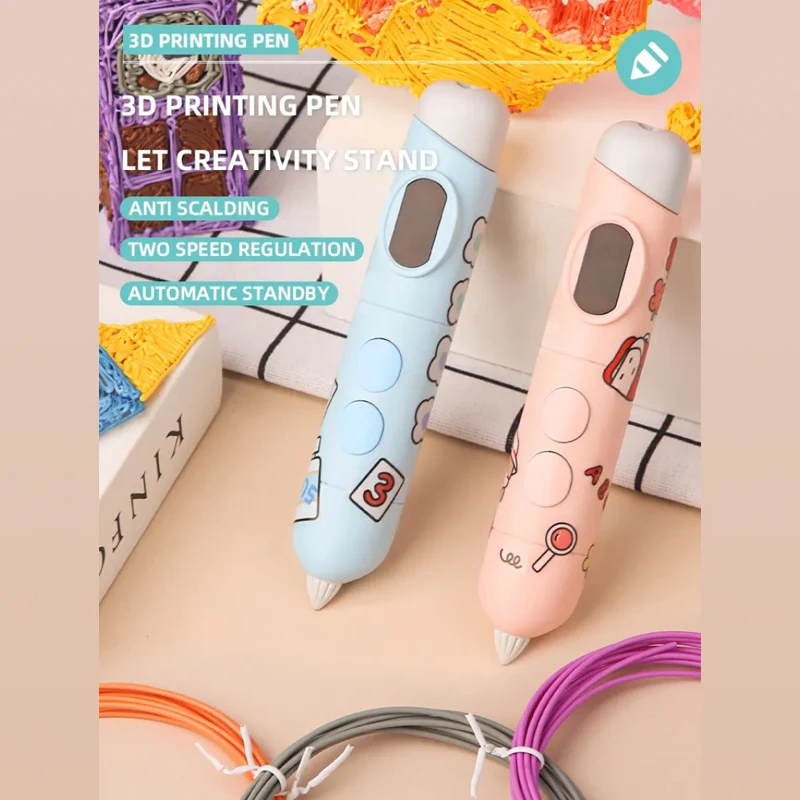
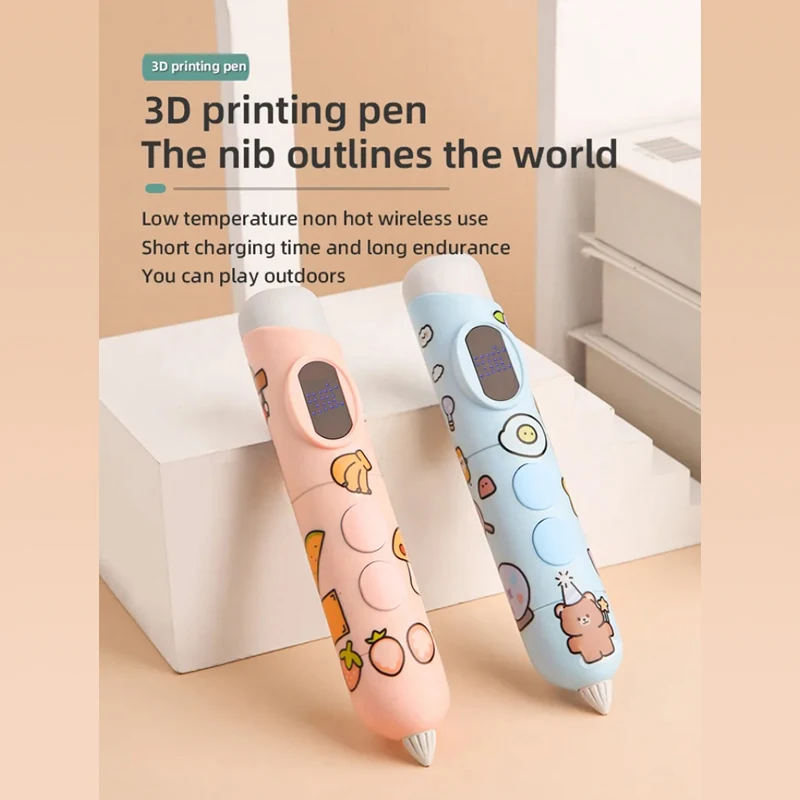
Professional Educational Toy Printing 3D Pen Printing Pen 3D Print for Kids Low Temperature With Free PCL Filament Smart Toys
$12.99 $46.99Price range: $12.99 through $46.99Select options This product has multiple variants. The options may be chosen on the product page -
Sale!


3D Printing Pen DIY Three-dimensional Painting Children Toys Fun Camouflage With LCD Screen Compatible PLA Filament Toys Gift
$13.99 $17.99Price range: $13.99 through $17.99Select options This product has multiple variants. The options may be chosen on the product page
M***p –
Works super! Looks and feels better than the us expensive brands.
Customer –
Super, I recommend.
a***r –
👍 👍 👍 👍 👍